UNDERSTANDING PORT SCANNING: A DEFENDER
Learn how port scanning works, why attackers use it, and how you can use the same techniques to understand and secure your network
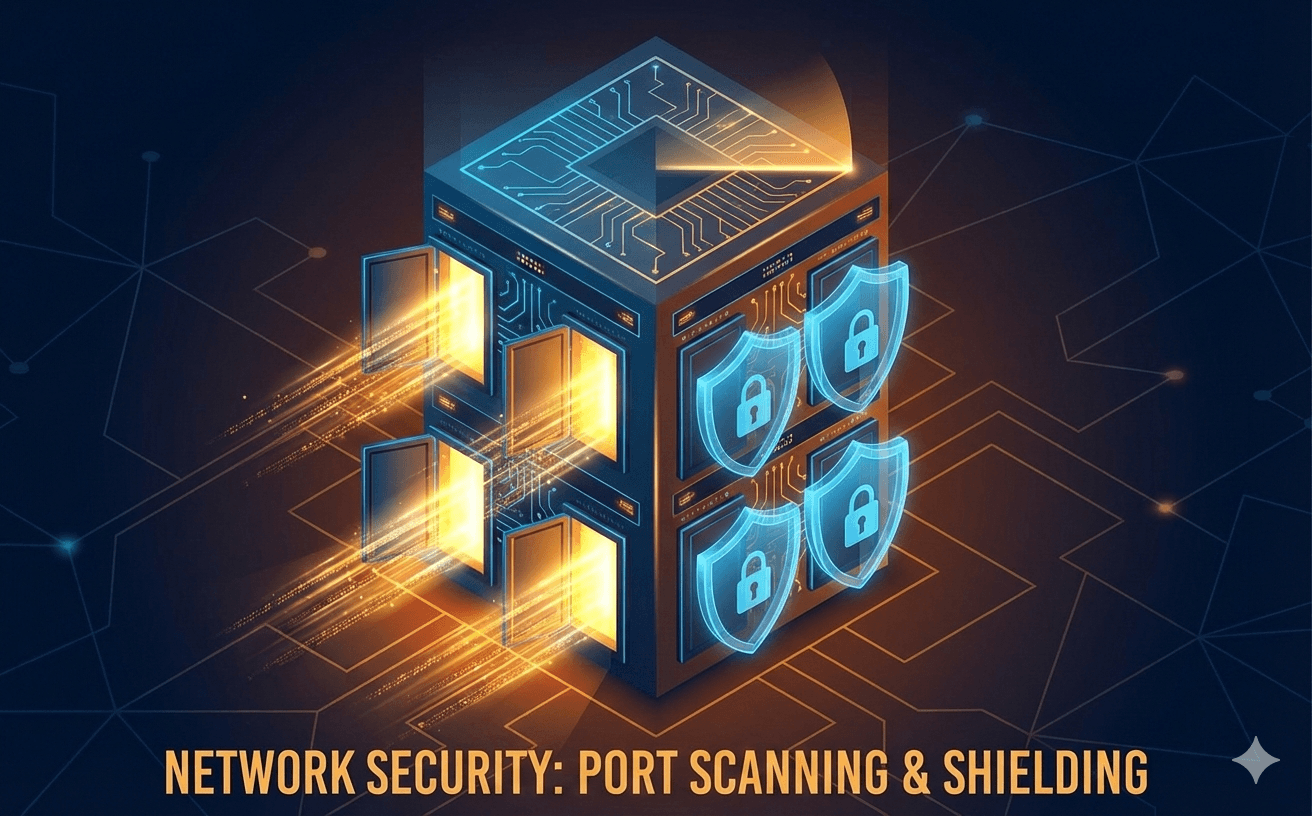
Understanding Port Scanning: A Defender's Perspective
Port scanning is often associated with malicious activity, but it's also one of the most valuable tools in a defender's arsenal. By understanding how attackers enumerate your network, you can better protect it.
What is Port Scanning?
At its core, port scanning is the process of probing a server or host for open ports. Think of ports as doors into a building—each open port is a potential entry point that could be exploited if not properly secured.
When you connect to a website, you're typically using port 443 (HTTPS) or port 80 (HTTP). But servers often run many more services:
- Port 22 - SSH (Secure Shell)
- Port 25 - SMTP (Email)
- Port 3306 - MySQL Database
- Port 5432 - PostgreSQL Database
- Port 6379 - Redis
Each open port represents a service that could potentially be exploited.
Common Scanning Techniques
TCP Connect Scan
The most straightforward approach—complete the full TCP three-way handshake:
- Send SYN packet
- Receive SYN-ACK (port open) or RST (port closed)
- Send ACK to complete connection
This is reliable but noisy. Every connection attempt is logged by the target.
SYN Scan (Half-Open)
Also called "stealth scanning," this technique sends SYN packets but never completes the handshake:
- Send SYN packet
- Receive SYN-ACK (port open) or RST (port closed)
- Send RST instead of ACK
This was historically harder to detect, though modern IDS/IPS systems catch it easily.
UDP Scanning
UDP is connectionless, making scanning trickier:
- Send UDP packet to port
- No response might mean open (or filtered)
- ICMP "port unreachable" means closed
UDP scans are slow and often unreliable.
Why Defenders Should Scan Their Own Networks
Know your attack surface. You can't protect what you don't know exists. Regular scanning helps you:
- Discover shadow IT - Find unauthorized services running on your network
- Verify firewall rules - Confirm only intended ports are accessible
- Detect misconfigurations - Catch services accidentally exposed to the internet
- Track changes over time - Notice when new ports open unexpectedly
Building a Scanning Strategy
External Scanning
Scan your public-facing infrastructure from outside your network. This shows you what attackers see:
- Use a cloud server or external scanning service
- Scan all 65,535 TCP ports periodically
- Don't forget UDP for services like DNS (53) and SNMP (161)
Internal Scanning
Scan from within your network to understand lateral movement risks:
- What can an attacker access if they breach your perimeter?
- Are internal services properly segmented?
- Can one compromised host reach sensitive databases?
Defensive Measures
Once you understand your exposure, take action:
- Close unnecessary ports - If a service isn't needed, shut it down
- Apply firewall rules - Restrict access to sensitive ports by IP
- Use network segmentation - Limit blast radius of a breach
- Monitor for scans - Detect when others are probing you
- Keep services updated - Patch vulnerabilities in exposed services
Conclusion
Port scanning isn't inherently malicious—it's reconnaissance. By scanning your own networks regularly, you gain the same visibility attackers seek. The difference is what you do with that information: attackers look for weaknesses to exploit, while defenders use it to strengthen their security posture.
Proactive security means knowing your attack surface before attackers do.